Photo cleaner for iPhone
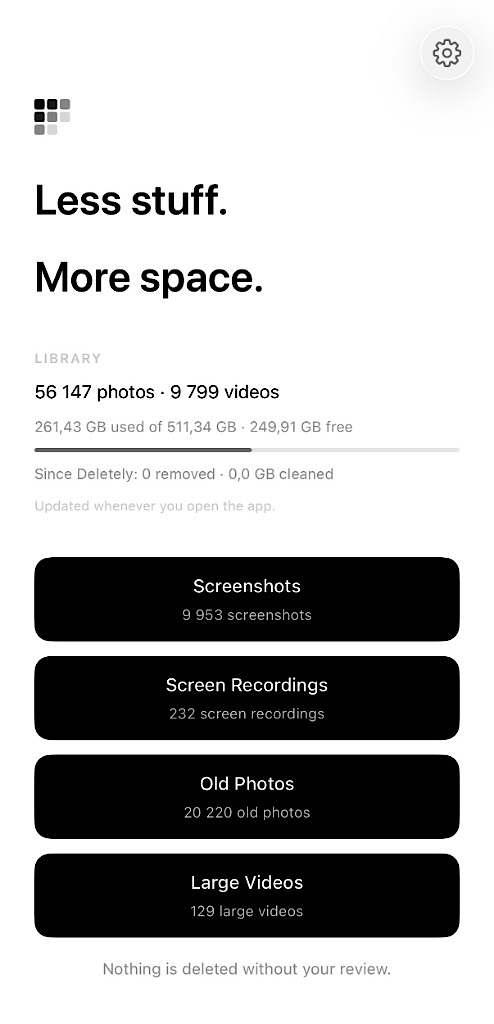
Less stuff.
More space.
A simpler way to clean up your camera roll.
Find screenshots, screen recordings, old photos and large videos - then review what goes.
- No account
- On-device
- Nothing preselected
Clutter
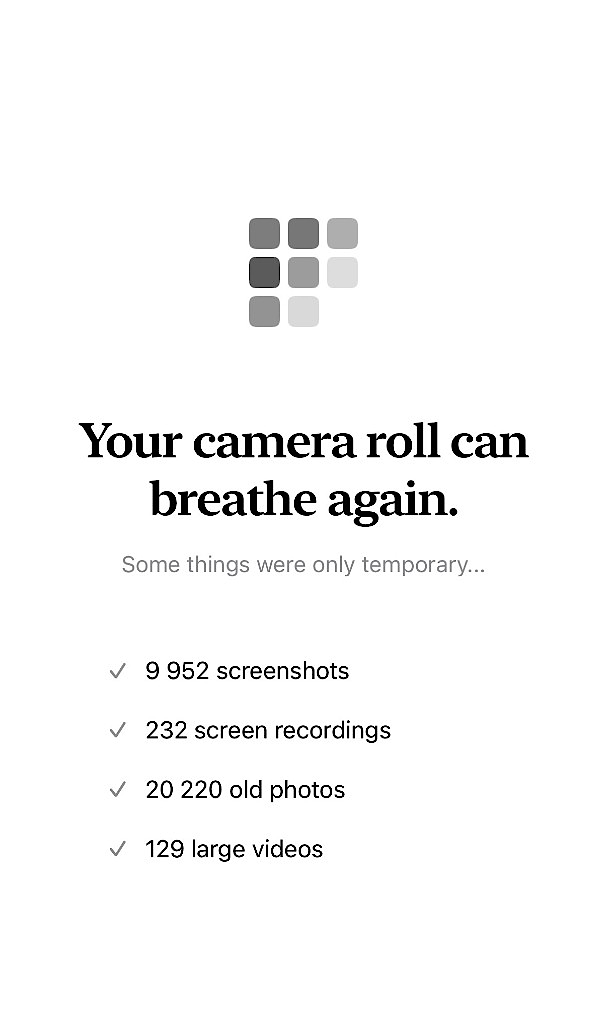
The easy wins, already waiting.
The stuff you never meant to keep - gathered in one calm place.
Control
Nothing is selected for you.
Lighter. Calmer. More in control. Review, then delete only what you choose.
Privacy
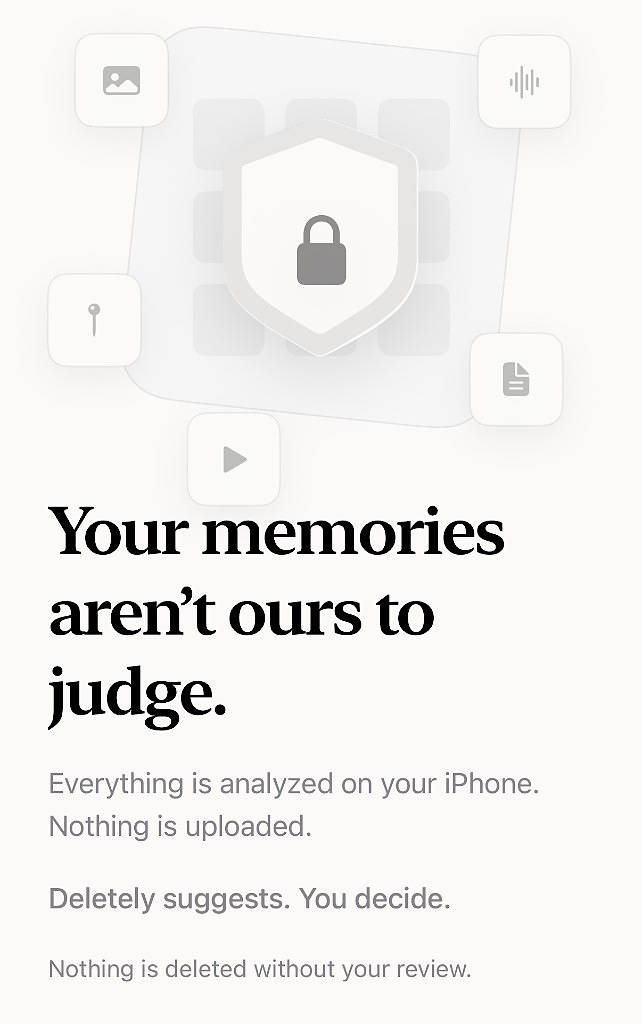
On your iPhone. Nowhere else.
No account. No cloud library. No one else looking.
Questions
Straight answers.
01 Does Deletely upload my photos?
No. Everything stays on your iPhone.
02 Will it delete anything without asking?
Never. Nothing is preselected. You choose every deletion.
03 Where can I download Deletely?
On the App Store for iPhone. Download Deletely.
04 What does Deletely actually look for?
Screenshots, screen recordings, old photos, and large videos. Everything else stays unless you choose it.
05 Can I recover a photo I deleted by mistake?
Yes. It goes to Recently Deleted in Photos, where Apple keeps it for 30 days. Restore it there - Deletely cannot recover media for you.
06 Why is my iPhone still full after I delete?
Recently Deleted still uses space for 30 days. Empty that album in Photos if you need the room now.
07 Does it work with iCloud Photos?
Yes. Deletely reviews the library on your iPhone. If iCloud Photos is on, a deletion follows Apple's usual rules across your devices.
08 Do I need an account?
No. No login, no Deletely cloud. Open the app and start reviewing.
09 Does a photo cleaner need the internet?
Deletely does not. Analysis happens on your iPhone. Your camera roll is never uploaded.
10 Will this clean my whole iPhone?
No. It helps with camera-roll clutter - not system data or other apps.
Still unsure? support@deletely.app